
Guide: Password Recovery for Version 2.5.9.1
PASSWORD RECOVERY GUIDE – VERSION 2.5.9.1
Dear Valued Customers, AKB Software has released updated version 2.5.9.1, featuring an automated recovery function for usernames and passwords directly on the login screen.
If you have forgotten your credentials, please utilize the self-service password recovery feature on the login screen.
Step-by-Step Instructions:
Step 1: On the software login window, click on the hyperlink “Forgot Username or Password”.
Step 2: A recovery pop-up window will appear. Please enter the verification details originally registered with your license:
- Product Key / License Key
- Registered phone number used during license purchase
- Registered verification email address
Step 3: Click “Confirm”. The system will verify your information, display your registered username, and issue a secure password reset code.
If you no longer recall your registered contact information, please contact our technical support hotline at (+84 24) 3787 7529 for database license verification.
AKB SOFTWARE

Contact Information
Address: Room 1210 - 1211, 12th Floor, Trinity Tower, 145 Ho Me Tri Street, Dai Mo Ward, Hanoi, Vietnam
Hotline: (+84 24) 3787 7529
Email: info@akb.com.vn | hotro@akb.com.vn
Website: https://www.akb.com.vn
RELATED NEWS
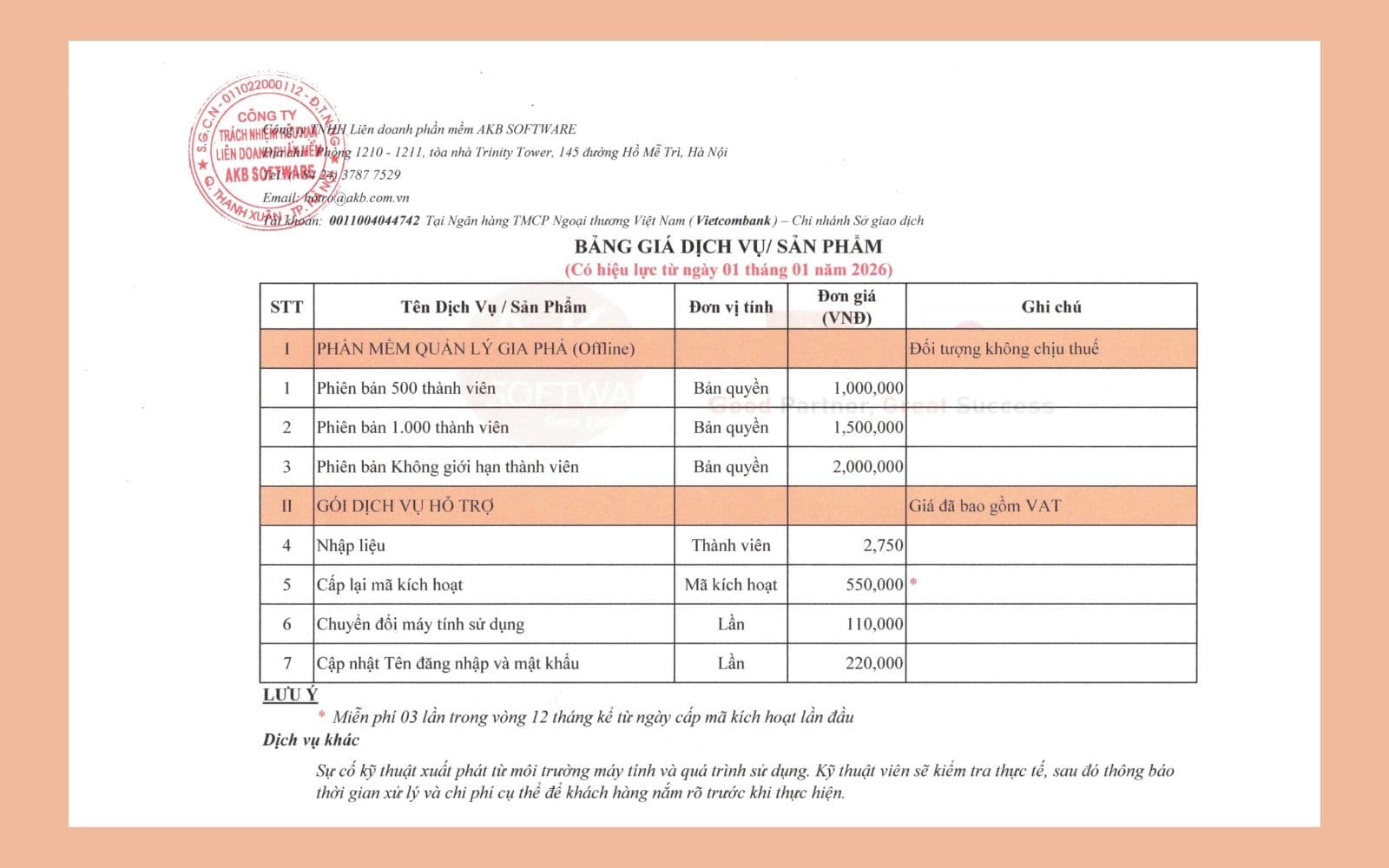
AKB Services & Software Solutions Price List 2026
Official quotation and service packages for software development, IT outsourcing, and digital transformation in 2026.
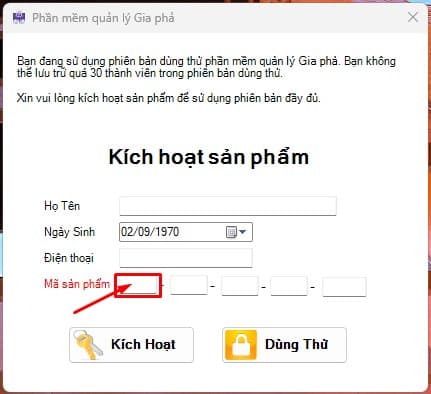
03 Simple Steps to Activate Genealogy Management Software
A quick guide showing 3 easy steps to activate your software license key and get started right away.